Create Video CV: How to Make a Video Resume Online That Gets Noticed
In today’s competitive job market, a traditional CV is not always enough to make a strong first impression. Recruiters often review dozens or even hundreds of applications for a single position. A well-planned video CV can help candidates introduce themselves in a more personal and engaging way. If you want to create video CV content that stands out, the key is to combine a clear message, professional presentation, and relevant information.
Why Create a Video CV?
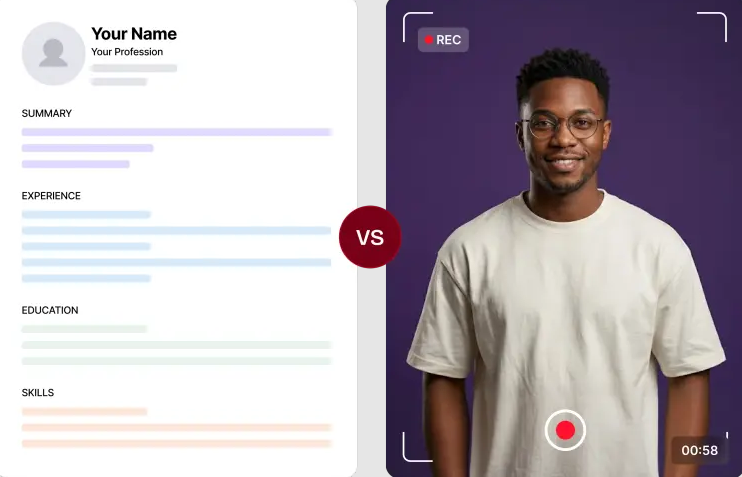
A video CV allows employers to see and hear you before the interview stage. Unlike a written CV, it can demonstrate your communication skills, confidence, personality, and enthusiasm for a particular role. For example, a marketing professional could briefly explain a successful campaign they worked on, while a designer could use the video to showcase selected projects. This makes the application more memorable and gives recruiters additional context that may not fit into a traditional CV. However, a video CV should complement your written resume rather than replace it. Keep important qualifications, experience, education, and contact information available in your standard CV as well.
How to Make Video Resume Online
The process to make video resume online can be simple when you follow a structured approach.
1. Write a Short Script
Start by deciding what you want employers to know. Introduce yourself, mention your professional background, highlight two or three relevant strengths, and explain what type of opportunity you are looking for. Avoid reading a long biography. A concise script of around 60–90 seconds is usually easier to watch and keeps your message focused.
2. Choose a Professional Setting
Record your video in a quiet, well-lit location. A clean background helps keep attention on you. Position the camera at eye level and make sure your face is clearly visible. Good audio is equally important. Even a simple microphone or a quiet room can make the recording sound considerably more professional.
3. Show Relevant Skills
Use the video to demonstrate qualities that matter for the position. If you are applying for a customer-service role, emphasize communication and problem-solving. For a creative position, consider briefly showing relevant work samples. The goal is not to list everything on your CV. Instead, select information that supports your suitability for the specific role.
Common Mistakes to Avoid
Avoid making the video too long, using distracting backgrounds, speaking too quickly, or including irrelevant personal information. Poor audio quality and excessive editing can also make a video feel less professional. Before sending it, watch the complete recording and check your pronunciation, lighting, sound, and overall presentation.
Conclusion
A video CV can add a human element to your job application and help recruiters understand who you are beyond your written qualifications. By preparing a concise script, recording in a professional environment, and focusing on job-relevant strengths, you can create video CV content that communicates your value effectively. Learning how to make video resume online also gives you a convenient way to create and share a polished introduction with potential employers.
Comments
Post a Comment